Browse documentation
Tree view
Navigate nested data such as files, projects, and settings categories.
Import
Load the optional component layer before using the examples below.
Ruby
require "zaniah/ui"Nested items
Items have stable IDs, labels, and children. A lazy children proc loads once on first expansion.
Rendered example
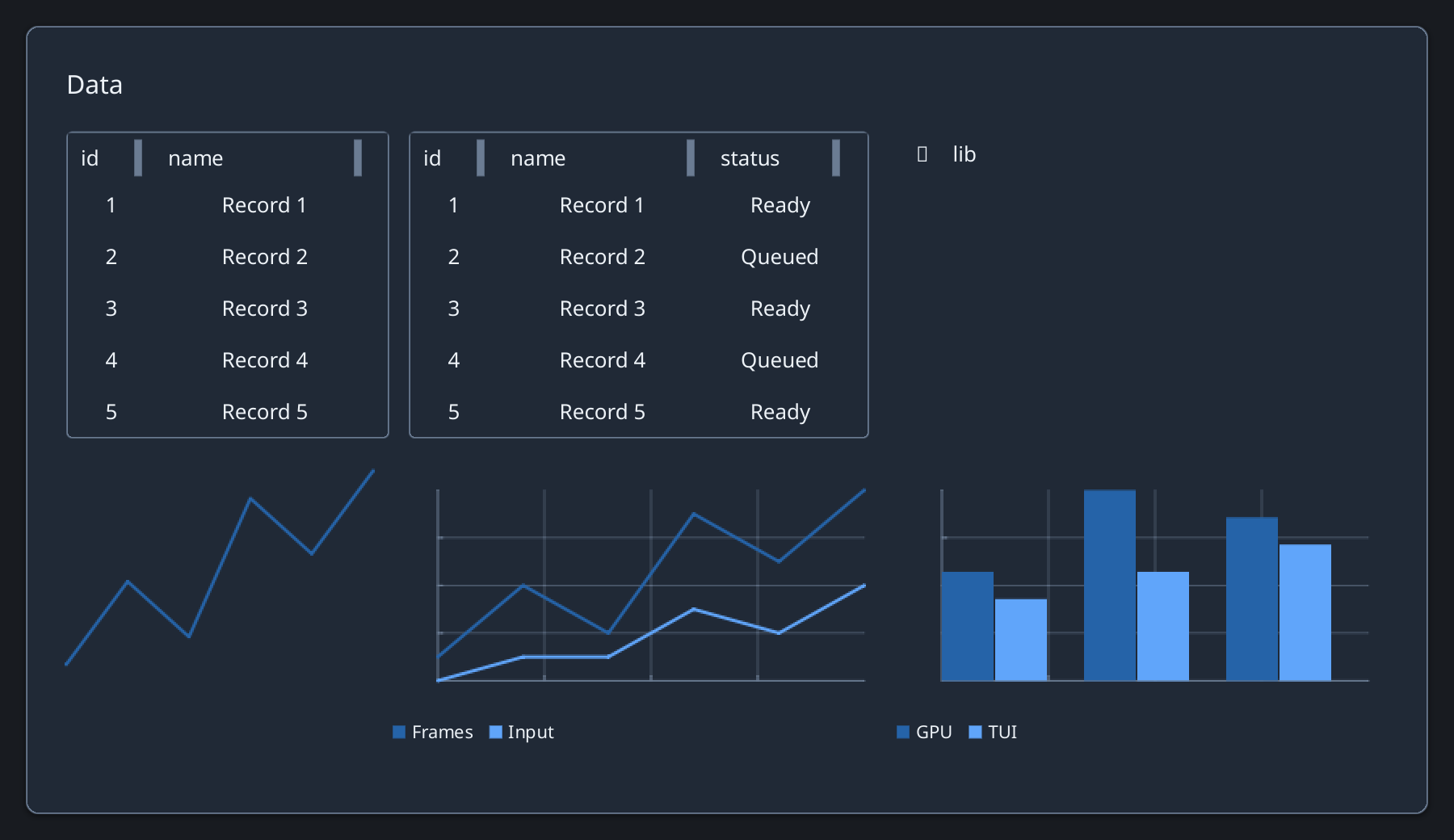
Ruby
items = [{id: :src, label: "src", children: [
  {id: :main, label: "main.rb"},
  {id: :lib, label: "lib", children: []}
]}]
Zaniah::UI::TreeView.new(items, height: 240)
Replace lazy children
Call replace_children(id, children) on the UI thread when asynchronous loading completes; call invalidate(id) to reload.
Ruby
tree.replace_children(:lib, [{id: :ui, label: "ui.rb"}])
API summary
Constructor options and behaviors are drawn from the component reference.
| Component | Constructor and methods | Variants or behavior |
|---|---|---|
TreeView | (items, height:, selected:); expand, collapse, replace, replace_children, invalidate, lazy children proc | arrows/Home/End |
Accessibility
Tree items support Up, Down, Home, and End. Right expands or enters a child; Left collapses or returns to the parent.
| Component | Semantic role |
|---|---|
TreeView | tree/treeitem |