Browse documentation
Dock workspace
Build persistent, draggable tab groups with nested splits.
Import
Load the optional component layer before using the examples below.
Ruby
require "zaniah/ui"Layout model
A DockLayout is a validated tree of tab groups and splits with stable IDs. The render callback receives the active panel ID.
Rendered example
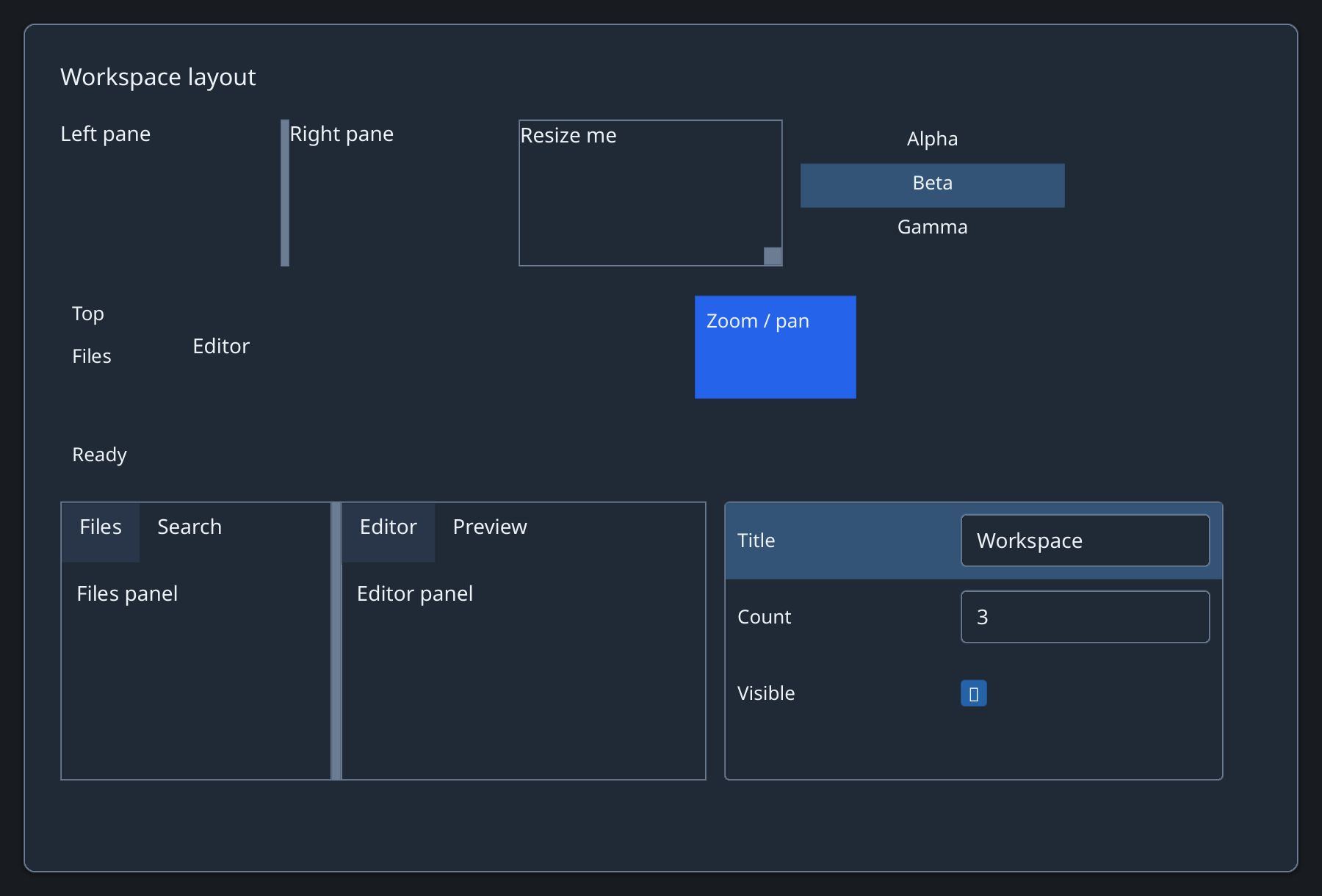
Ruby
layout = Zaniah::UI::DockLayout.split(
  id: :work, orientation: :horizontal, ratio: 0.42,
  first: Zaniah::UI::DockLayout.tabs(
    id: :left, panels: %i[Files Search]),
  second: Zaniah::UI::DockLayout.tabs(
    id: :right, panels: %i[Editor Preview]))
Zaniah::UI::DockWorkspace.new(layout,
  render: ->(id) { Zaniah::UI::Label.new("#{id} panel") })
Persist and restore
Save layout.to_h in application state and restore with DockLayout.from_h. on_detach only notifies the application; it does not open a new window.
Ruby
saved = layout.to_h
restored = Zaniah::UI::DockLayout.from_h(saved)
API summary
Constructor options and behaviors are drawn from the component reference.
| Component | Constructor and methods | Variants or behavior |
|---|---|---|
DockWorkspace | (layout, render:); on_layout_change, on_detach; DockLayout.to_h/.from_h | drag tabs to move/split, arrows select, Alt+arrows move, Ctrl+Shift+arrows split, Ctrl+Shift+D requests detach |
Accessibility
Dock groups expose tabs and panels. Arrows select tabs; Alt+arrows move, and Ctrl+Shift+arrows split.
| Component | Semantic role |
|---|---|
DockWorkspace | tablist/tab/tabpanel/separator |