Browse documentation
Scrolling
Keep oversized content navigable with a scroll view and optional scrollbar.
Import
Load the optional component layer before using the examples below.
Ruby
require "zaniah/ui"Scroll view
Choose vertical, horizontal, or both axes. Scrollbar modes are overlay, always, and hidden.
Rendered example
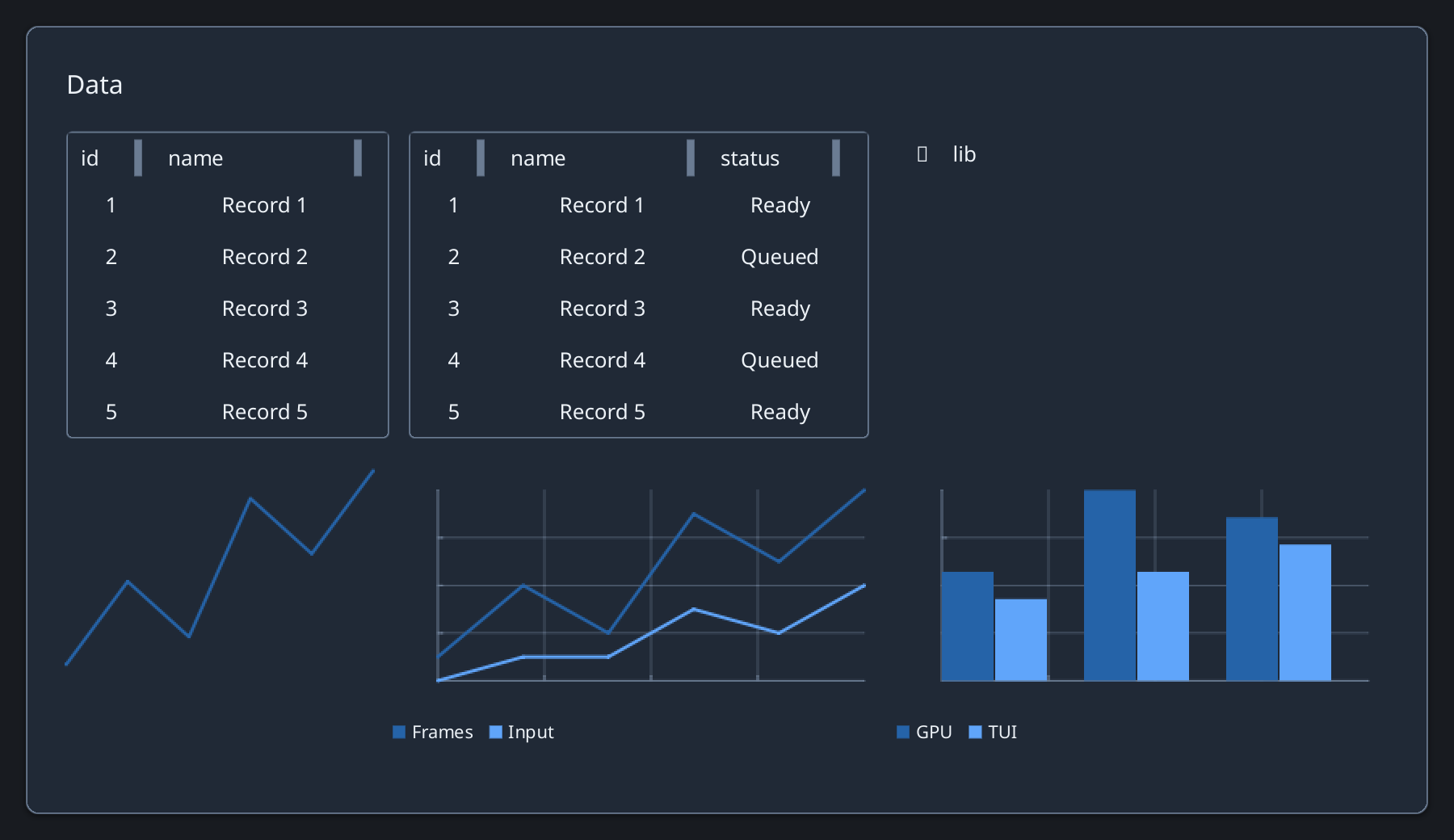
Ruby
Zaniah::ScrollView.new(axis: :vertical, scrollbar: :overlay)
  .child(Zaniah::UI::Label.new("Long content"))
Programmatic scrolling
Call scroll_to on the view when content should be revealed after selection.
API summary
Constructor options and behaviors are drawn from the component reference.
| Component | Constructor and methods | Variants or behavior |
|---|---|---|
ScrollView | (axis:, scrollbar:); scroll_to | vertical/horizontal/both; overlay/always/hidden |
Scrollbar | (scroll_state, axis:, mode:) | drag, track paging, arrows/Home/End/Page keys |
Accessibility
The scrollbar supports dragging, track paging, arrows, Home, End, and Page keys.
| Component | Semantic role |
|---|---|
ScrollView | child tree |
Scrollbar | scrollbar |