Browse documentation
Menus and dropdowns
Offer contextual commands, application menus, or a menu-backed choice.
Import
Load the optional component layer before using the examples below.
Ruby
require "zaniah/ui"Menu bar and dropdown
A menu item pairs a label with an action; nil disables it.
Rendered example
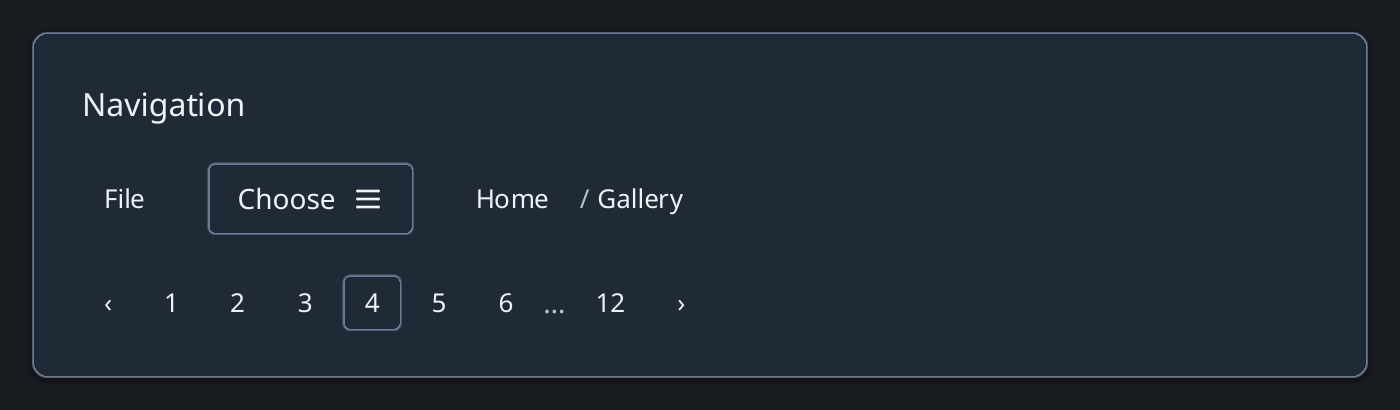
Ruby
open_file = ->(*) { puts "Open" }
Zaniah::UI::MenuBar.new([
  ["File", [["Open", open_file], ["Unavailable", nil]]]
])
Zaniah::UI::Dropdown.new("Choose",
  items: [["First", 1], ["Second", 2]])
Anchored menus
Use Menu at a specific point or element. ContextMenu shares the command model.
Rendered example

Ruby
items = [["Open", open_file], ["Unavailable", nil]]
point = Zaniah::Point.new(280, 100)
Zaniah::UI::Menu.new(items, anchor: point)
Zaniah::UI::ContextMenu.new(items, anchor: point)
API summary
Constructor options and behaviors are drawn from the component reference.
| Component | Constructor and methods | Variants or behavior |
|---|---|---|
ContextMenu, Menu | (items, anchor:, open:) | pointer + arrows/Home/End/Enter/Esc |
MenuBar | (menus) or .from(app.menu_bar) | declarative menu model or legacy pairs |
Dropdown | (label, items:, value:); on_change | menu-backed |
Accessibility
Menu items support arrows, Home, End, Enter, and Escape. Disabled commands remain visible.
| Component | Semantic role |
|---|---|
ContextMenu, Menu | menu/menuitem |
MenuBar | menubar |
Dropdown | button |