Browse documentation
Forms and validation
Compose fields, validate values, and submit a form when its inputs are valid.
Import
Load the optional component layer before using the examples below.
Ruby
require "zaniah/ui"Form fields
Form.field creates a named field with a label, value, optional control and validation rules.
Rendered example
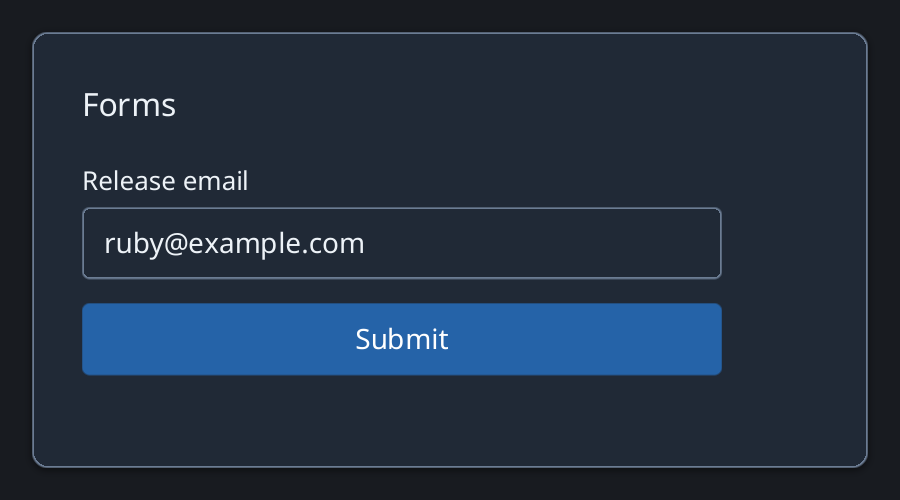
Ruby
email_rule = Zaniah::UI::Validation.new
  .required
  .format(/@/, message: "Enter an email address")
form = Zaniah::UI::Form.new
  .field(name: :email, label: "Release email",
    value: "ruby@example.com", validation: email_rule)
Submit
Form validates before submitting. The application owns persistence and any server-side errors.
Ruby
form.on_submit { |values| puts values.inspect }
API summary
Constructor options and behaviors are drawn from the component reference.
| Component | Constructor and methods | Variants or behavior |
|---|---|---|
Validation | required, format, length, number, rule | composable rules |
FormField | (name, value:, label:, control:, validation:, hint:) | errors + describedby |
Form | field, on_change, on_submit, values, valid? | validates before submit |
Accessibility
Field errors are tied to controls with describedby, while invalid submissions retain field values.
| Component | Semantic role |
|---|---|
Validation | n/a |
FormField | group/control/alert |
Form | form |