Browse documentation
Rich text
Display and edit styled text, inline embeds, ruby annotations, and vertical writing.
Import
Load the optional component layer before using the examples below.
Ruby
require "zaniah/ui"Styled runs
Each run carries text and optional styles such as size, color, bold, italic, link, and underline.
Rendered example
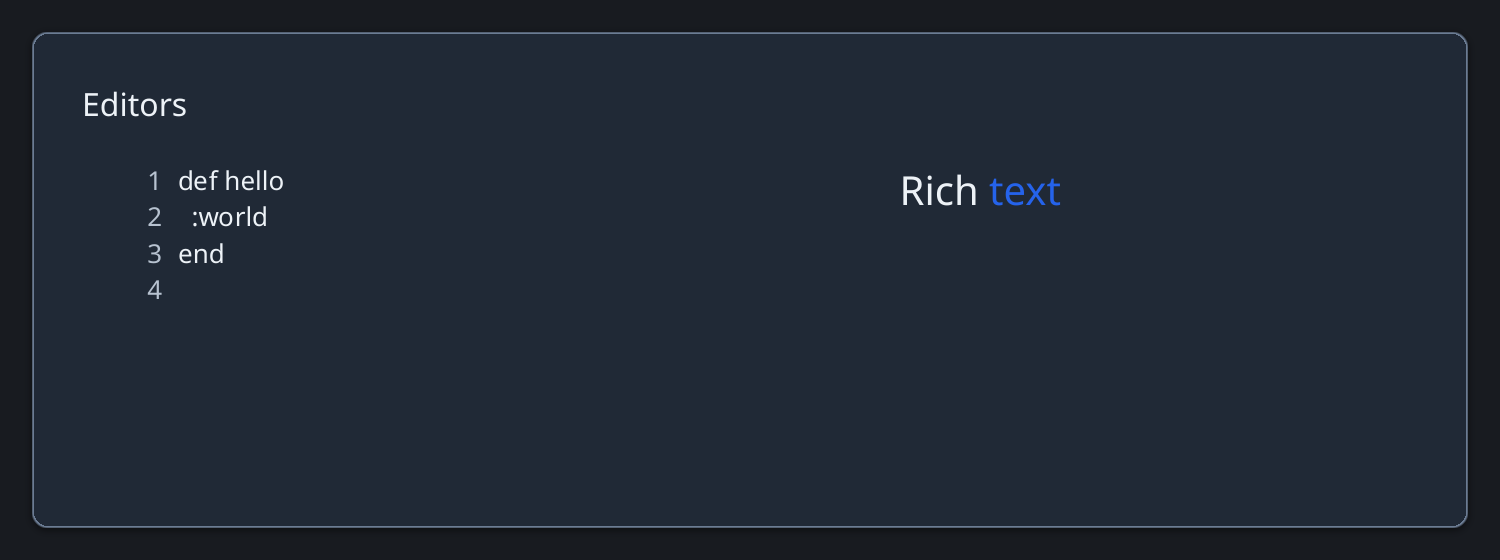
Ruby
Zaniah::UI::RichText.new([
  {text: "Rich ", size: 20},
  {text: "text", color: "#2563eb", size: 20}
], selectable: true)
Editing and writing mode
RichText is read-only by default. Set editable: true for keyboard editing and IME; writing_mode: :vertical_rl enables vertical layout.
Ruby
Zaniah::UI::RichText.new(
  [{text: "Ruby UI", bold: true}],
  editable: true, writing_mode: :vertical_rl)
API summary
Constructor options and behaviors are drawn from the component reference.
| Component | Constructor and methods | Variants or behavior |
|---|---|---|
RichText | (runs, selectable:, editable:, writing_mode:, text_orientation:); apply, insert, delete, replace, append, insert_embed, paragraph_style | styled editing, inline embeds, ruby, vertical text, IME, range selection and caret |
Accessibility
Selectable text exposes text semantics. Editable rich text exposes a textbox, including annotations for ruby text.
| Component | Semantic role |
|---|---|
RichText | text/textbox |