Browse documentation
Modal and dialog
Focus attention on a decision or a temporary task.
Import
Load the optional component layer before using the examples below.
Ruby
require "zaniah/ui"Basic dialog
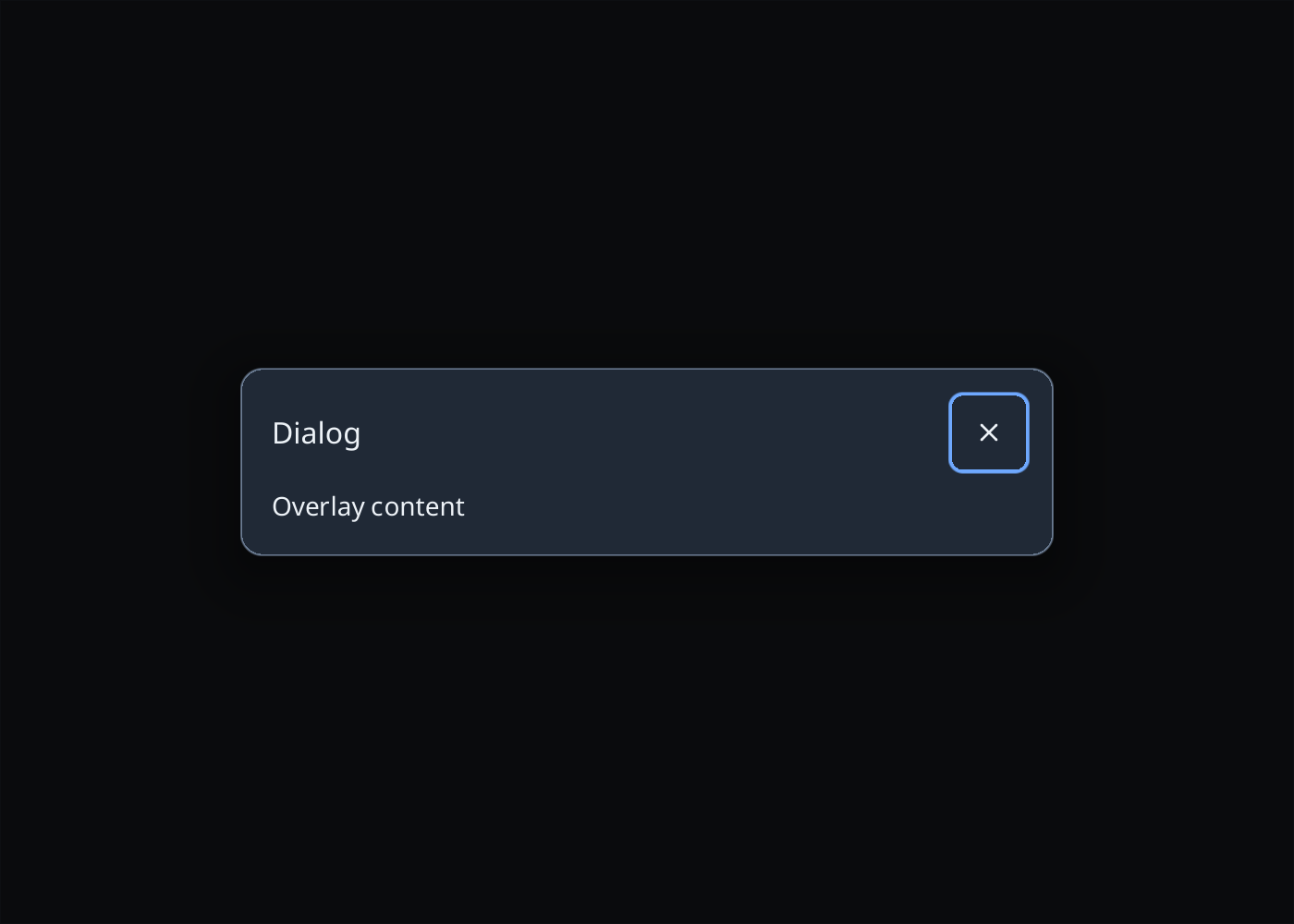
Keep the title concise and include an obvious way to finish or close.
Rendered example
Ruby
Zaniah::UI::Dialog.new(
  Zaniah::UI::Label.new("Changes will be saved."),
  title: "Confirm changes")
Modal options
open: controls visibility; close_on_scrim: decides whether a click outside closes the overlay.
Ruby
Zaniah::UI::Modal.new(
  Zaniah::UI::Label.new("Edit settings"),
  title: "Settings", open: true, close_on_scrim: false)
API summary
Constructor options and behaviors are drawn from the component reference.
| Component | Constructor and methods | Variants or behavior |
|---|---|---|
Modal, Dialog | (content, title:, open:, close_on_scrim:, width:) | focus trap, scrim, Esc |
Accessibility
Modal dialogs trap focus, close with Escape, and restore focus to the previous control.
| Component | Semantic role |
|---|---|
Modal, Dialog | dialog/modal |