Browse documentation
Property grid
Edit typed properties in a compact, virtualized inspector.
Import
Load the optional component layer before using the examples below.
Ruby
require "zaniah/ui"Schema and values
Schema entries identify a key, label, and type. Supported types include text, textarea, number, boolean, select, color, date, and time.
Rendered example
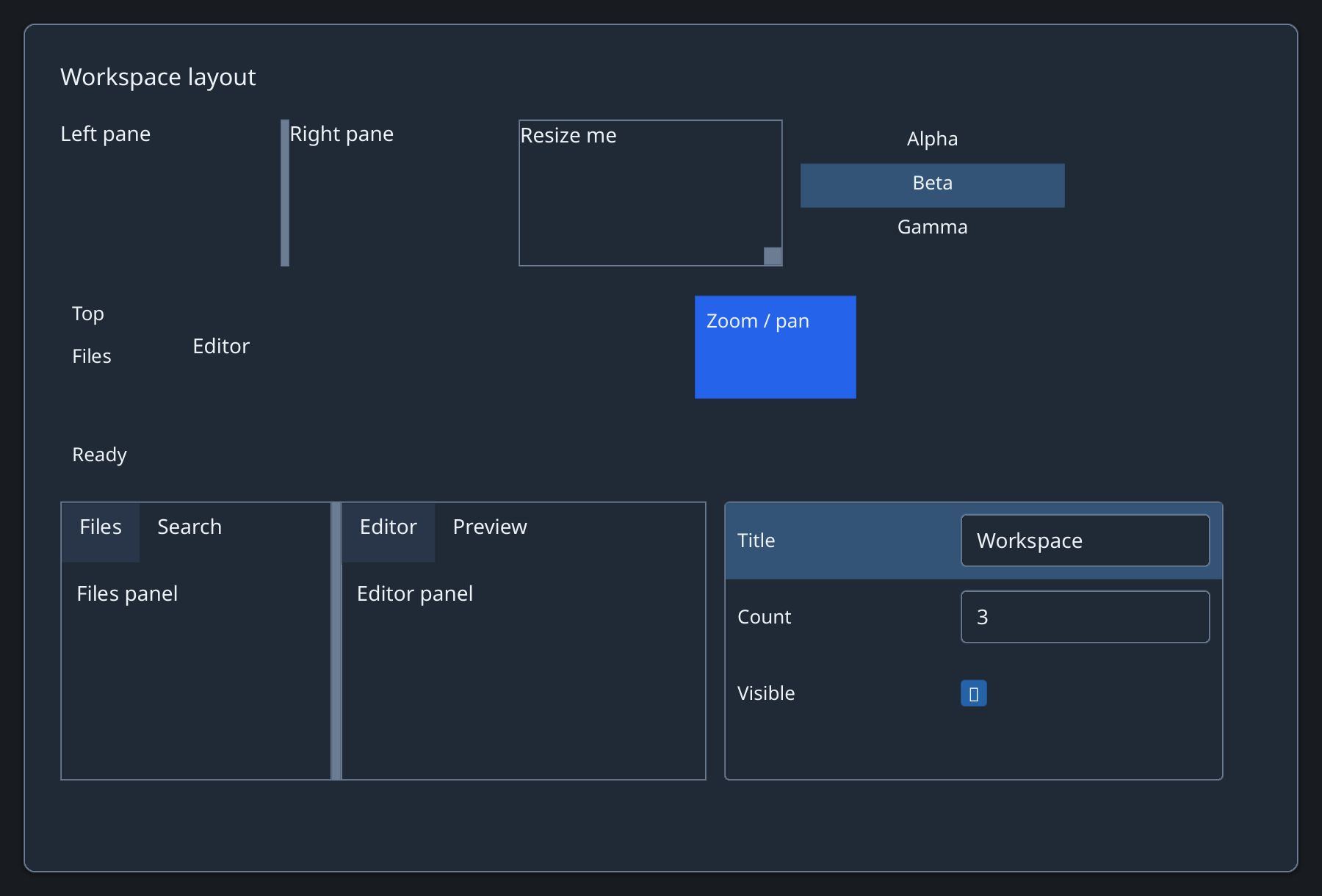
Ruby
schema = [
  {key: :title, label: "Title", type: :text},
  {key: :count, label: "Count", type: :number},
  {key: :visible, label: "Visible", type: :boolean}
]
Zaniah::UI::PropertyGrid.new(schema,
  {title: "Workspace", count: 3, visible: true}, height: 190)
Validation
Invalid input stays in its control while the last valid value is retained.
API summary
Constructor options and behaviors are drawn from the component reference.
| Component | Constructor and methods | Variants or behavior |
|---|---|---|
PropertyGrid | (schema, values, height:, row_height:); on_change, set | typed existing controls, Validation, virtual rows |
Accessibility
The inspector exposes rows and cells, with the embedded editor keeping its native role.
| Component | Semantic role |
|---|---|
PropertyGrid | table/row/cell |